

Flux AI Image Generator
Best Flux AI Image Generator Online with Flux.2 Dev, Pro & Flex models and Flux.1 Schnell Lora styles for text to image & image to image AI generation.
from 52472+ happy users
Flux AI Image Editor Online
Generate & edit images with text prompts or photos by Flux.2 AI Dev, Pro, Flex & Flux.1 Schnell models.
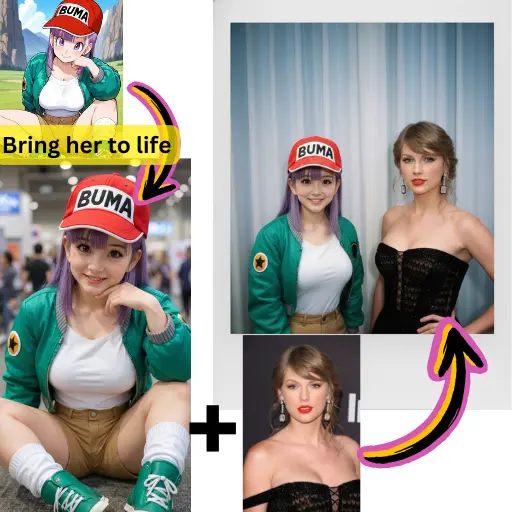

How Model Choice Affects Results
See how different AI models produce varying outputs with the same prompt.
Original Image

Generate a highly detailed photo of a girl cosplaying this illustration, at Comiket. Exactly replicate the same pose, body posture, hand gestures, facial expression, and camera framing as in the original illustration. Keep the same angle, perspective, and composition, without any deviation
AI Generated Results

Flux.2 Pro
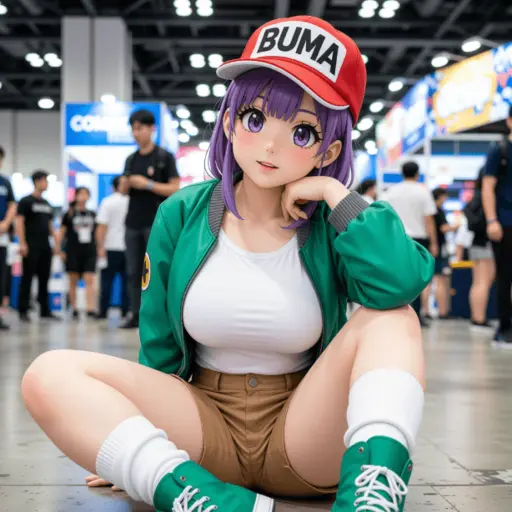
Qwen

Seedream
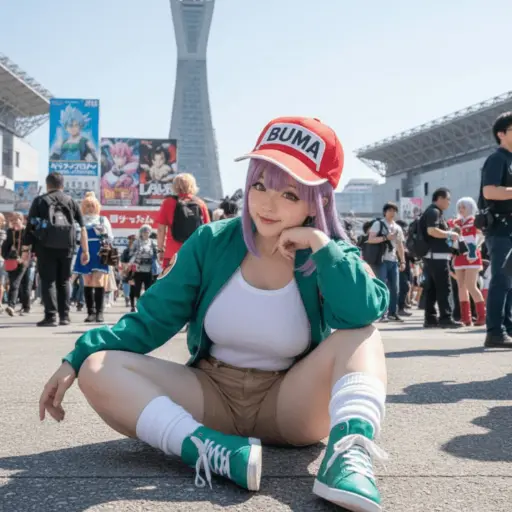
Nano Banana
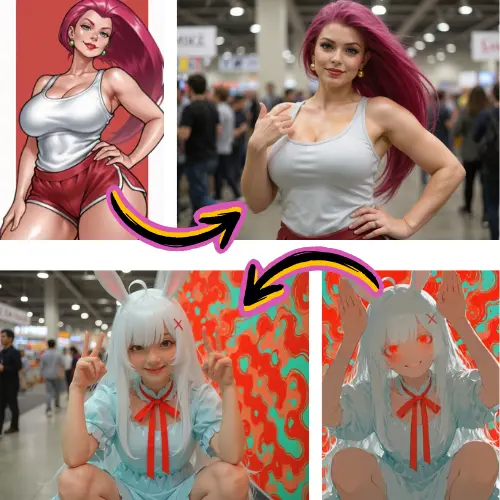
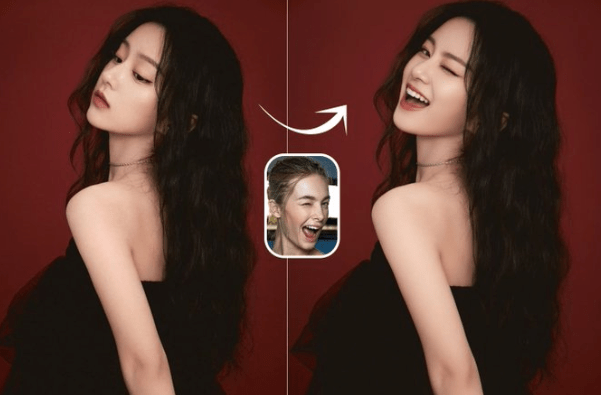
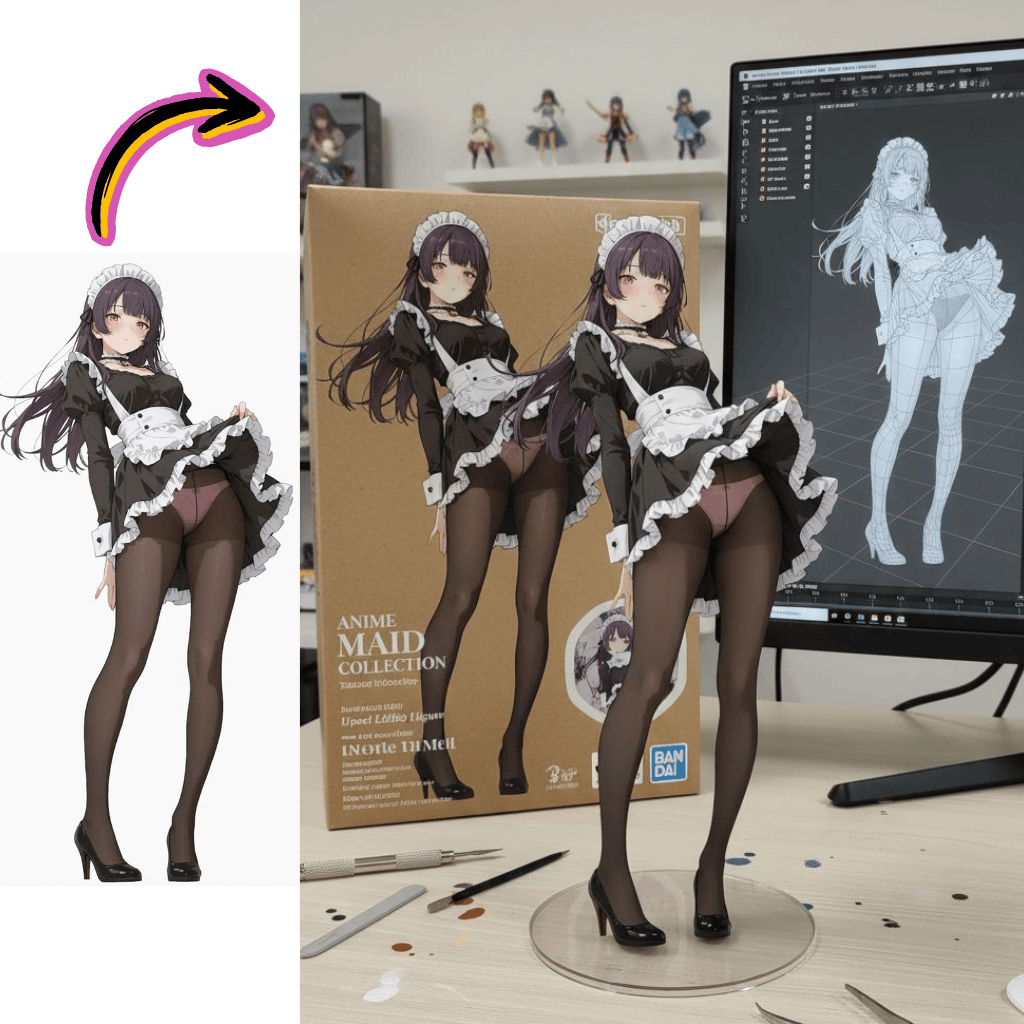

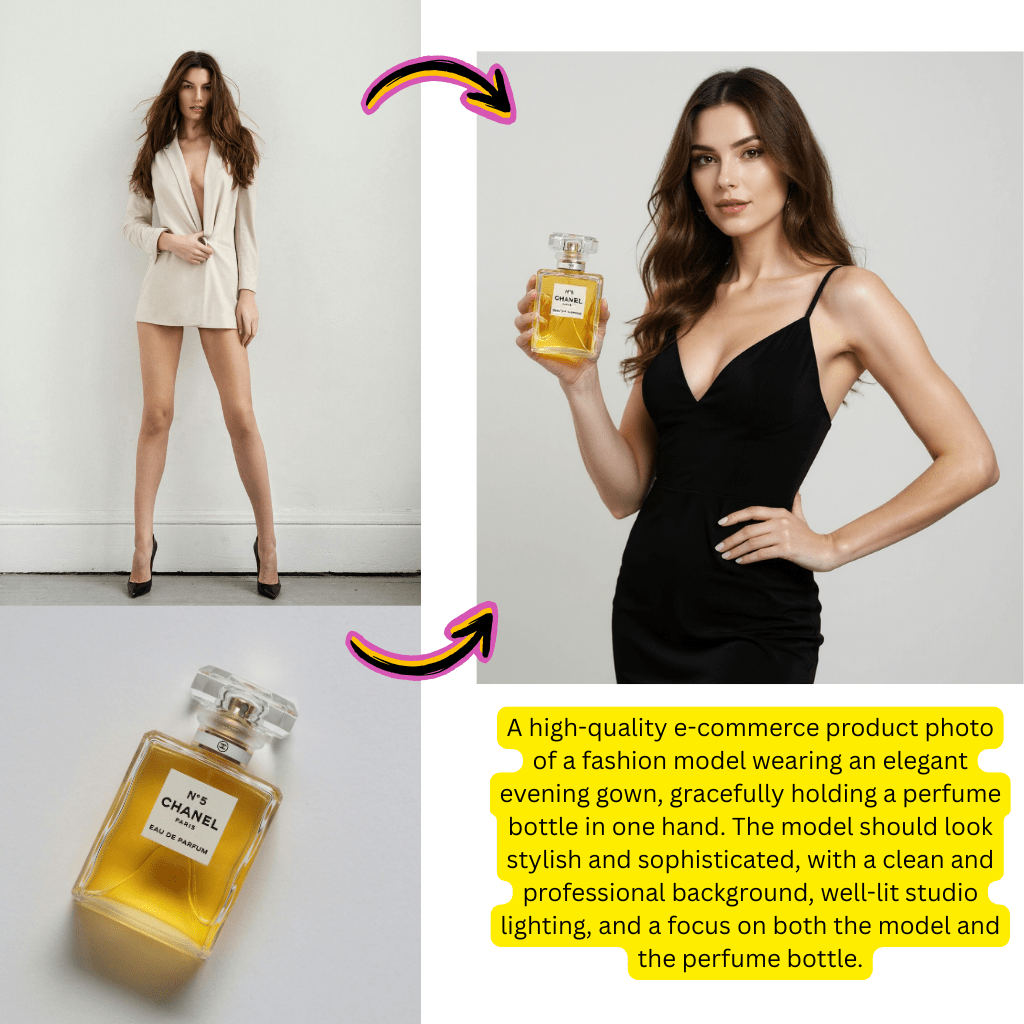
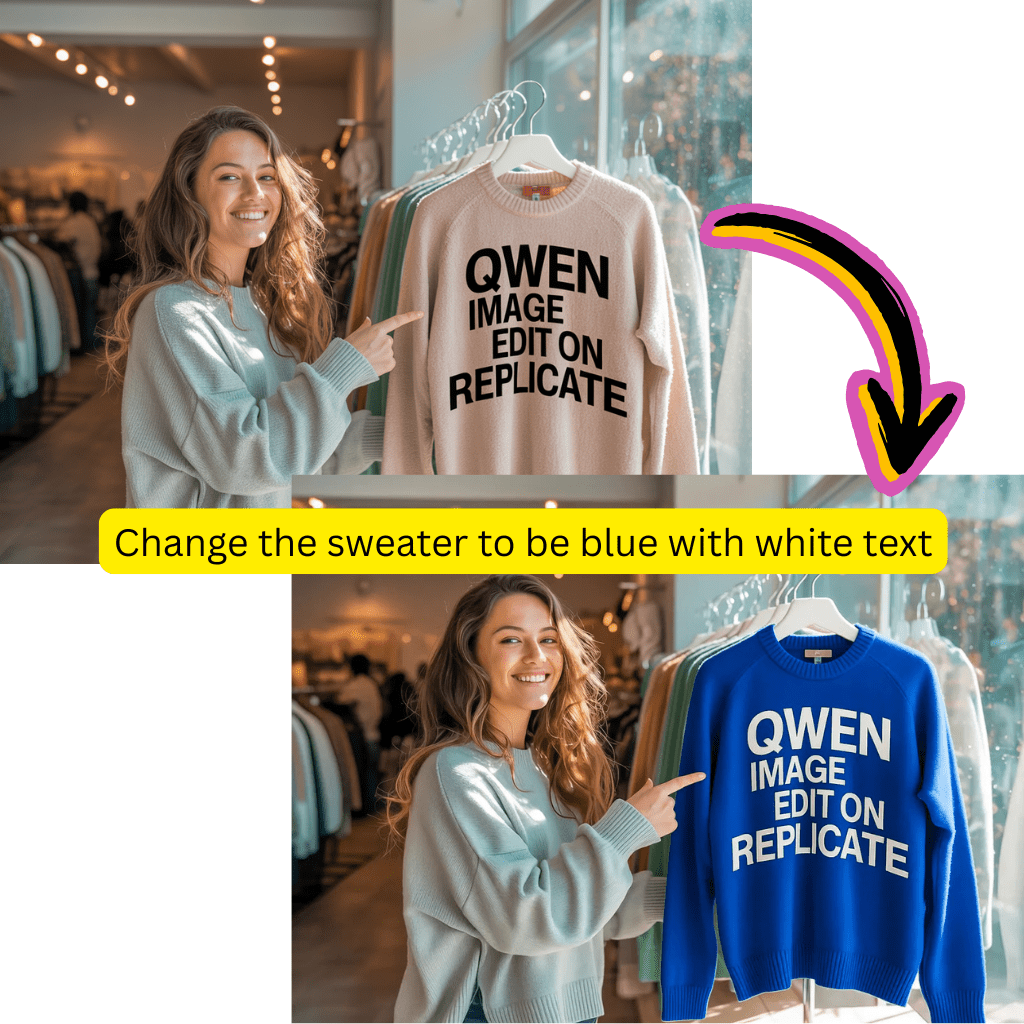
Models

Nano Banana Pro
NewLatest generation with enhanced quality
Nano Banana
FeaturedUltra-high character consistency

Seedream
NewSupport images with cohesive styles

Flux Dev
For short and basic scenes

Qwen
NewGood at complex text rendering
Flux Schnell Lora
NewFast, creative image generation
Flux Kontext
For photorealism and creative control
What is Flux AI Image Generator by Flux.2?
Flux AI Image Generator is a revolutionary browser-based tool that leverages Flux.2 models to transform text into stunning visuals. With a user-friendly interface and advanced features, it's perfect for creators, marketers, and developers.
- Flux AI Free CreationCreate polished artwork with our free plan. Start with Flux Dev models, test ideas, and upgrade to Flux Pro only when you need higher resolution or advanced controls.
- Flux Lora AI StylesBrowse a rich Flux Lora library to switch between anime, cinematic, product, or portrait styles in one click, keeping characters and branding consistent.
- Fast Flux ModelFlux model variants are tuned for speed and quality, so prompts render quickly while keeping fine details sharp across images and short clips.
Why Flux AI Delivers Better Results Than Generic Tools
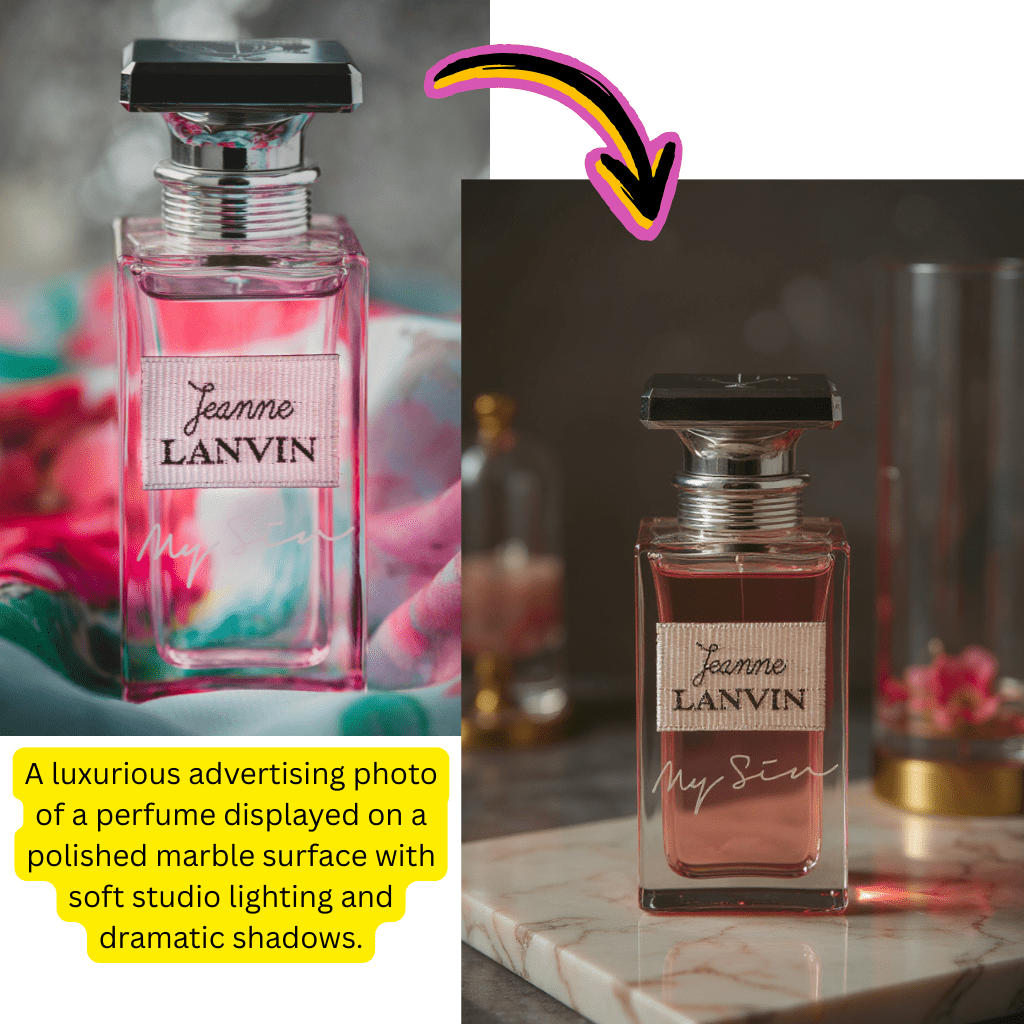
The Flux image generator focuses on visual quality, style control and context. Kontext technology keeps scenes coherent, offering an upgrade over many Nano Banana or basic image generator AI services.
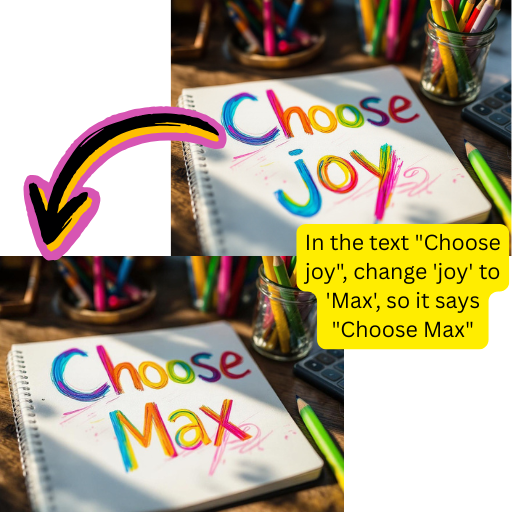
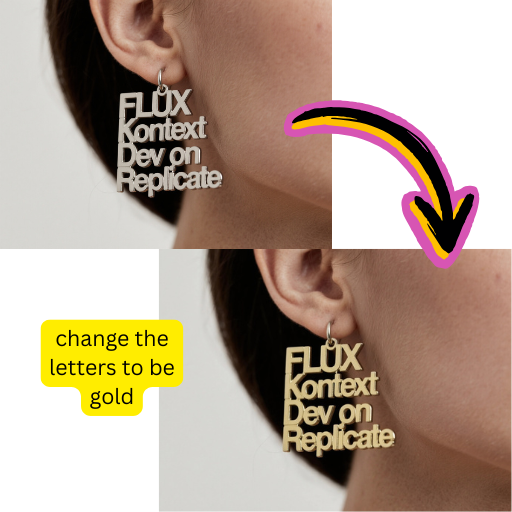
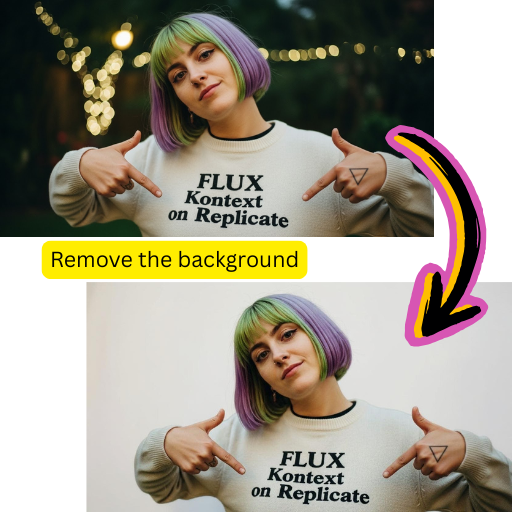
How to Use Flux AI Image Generator in 4 Steps
Follow these simple steps to create images and short loops with the Flux image generator. 【Internal Link: to pricing or getting-started guide】
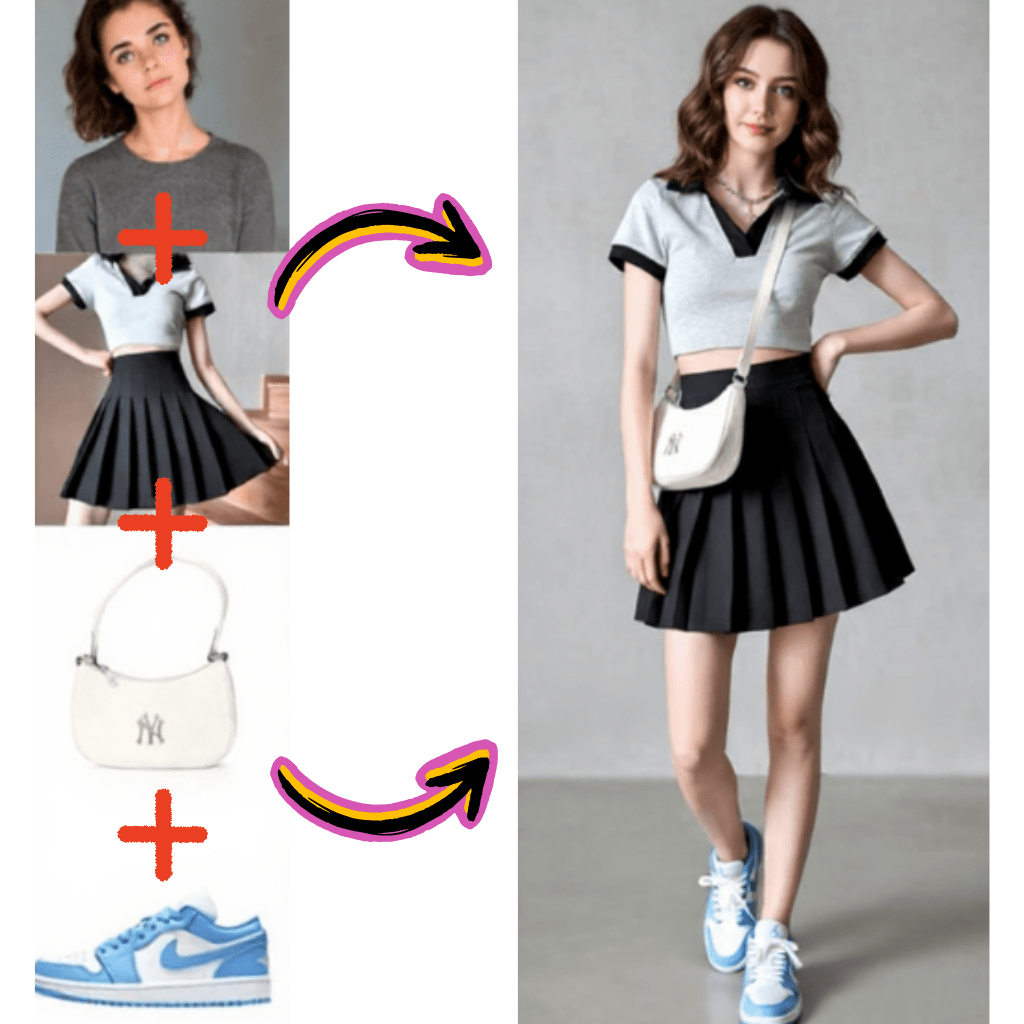
Key Features of the Flux AI Image Workspace
Explore the most important tools inside the Flux AI generator so you can pick the right model, style and workflow for each project.
Flux Lora Styles Library
Tap into a growing Lora collection that covers anime, cinematic, editorial and illustration looks. Save presets for brands so every new image feels on-theme.
Multi-Model Support
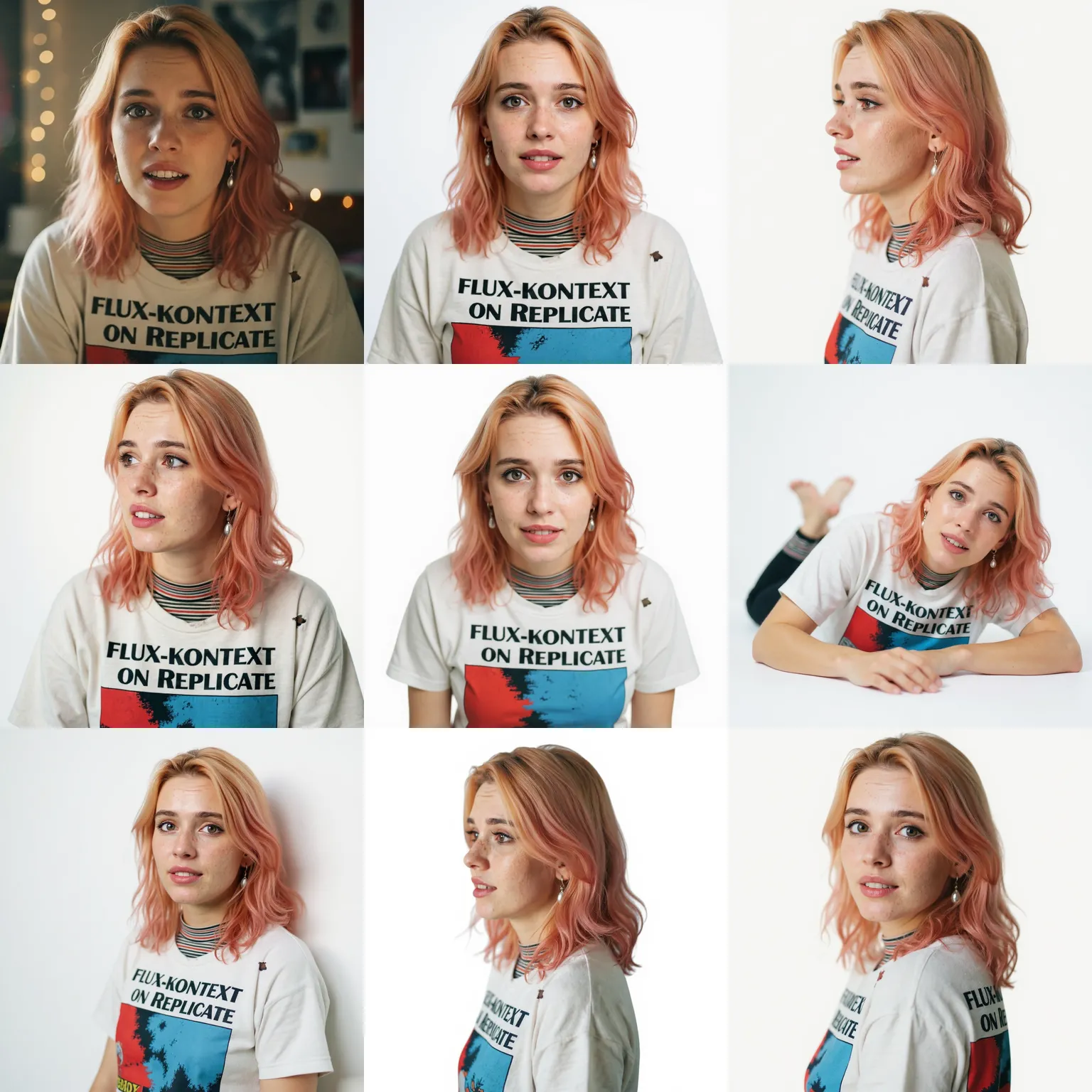
Switch between Dev for quick drafts, Pro for hero assets and Kontext for character or product consistency. Each Flux AI model tier is tuned for a specific workflow.
Image to Video Conversion
Turn key stills into short flux video clips for reels, ads or explainers. Simple controls make it easy to add motion without editing skills.
Batch Generation
Generate several variations at once to explore colors, crops and styles. Ideal for testing thumbnails, ad concepts or gallery sets in one run.
Advanced Editing Tools
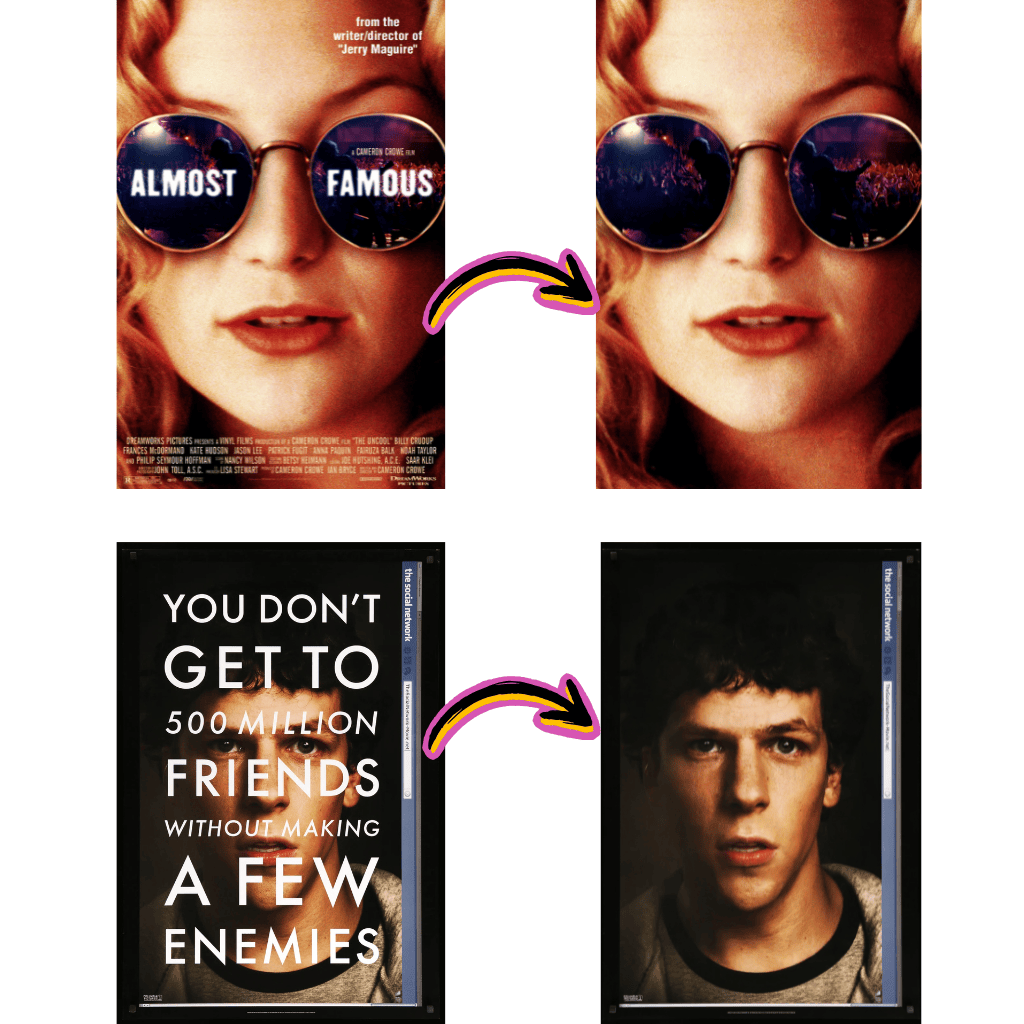
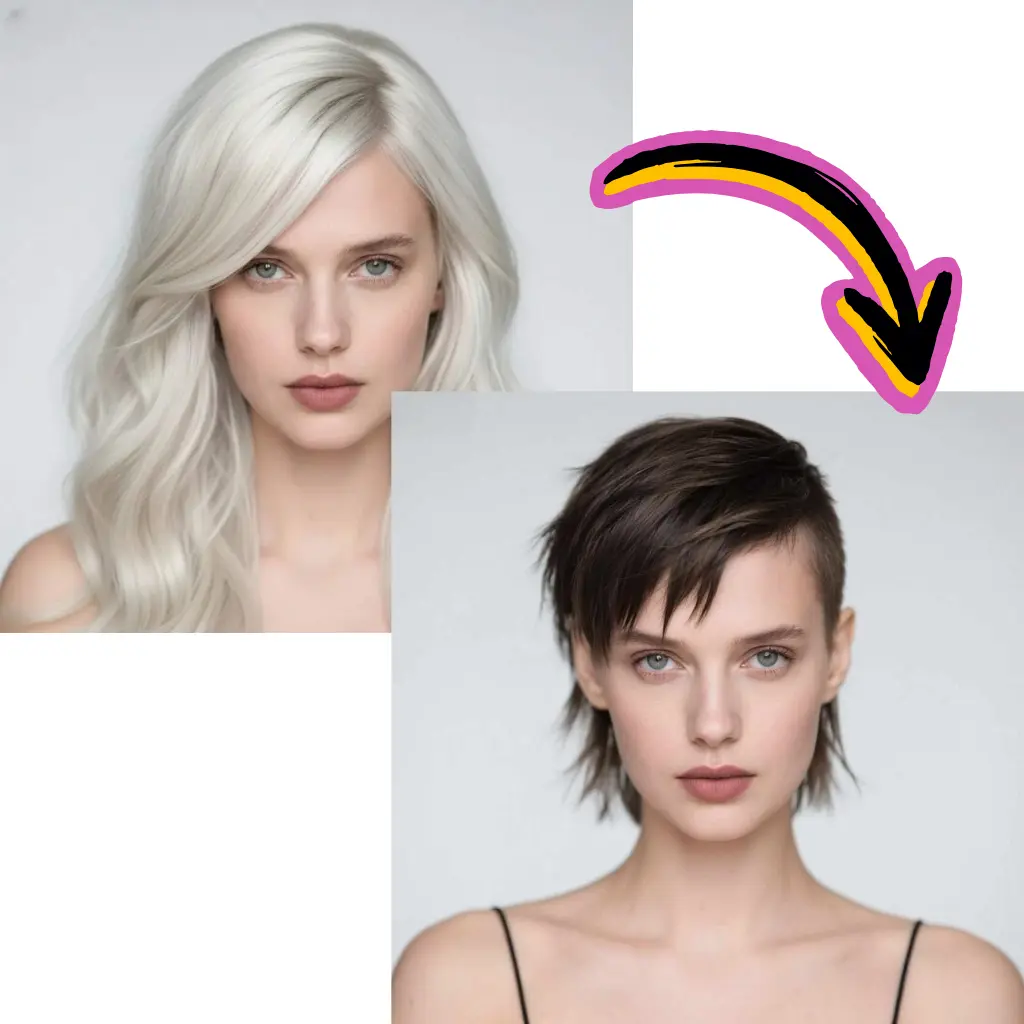
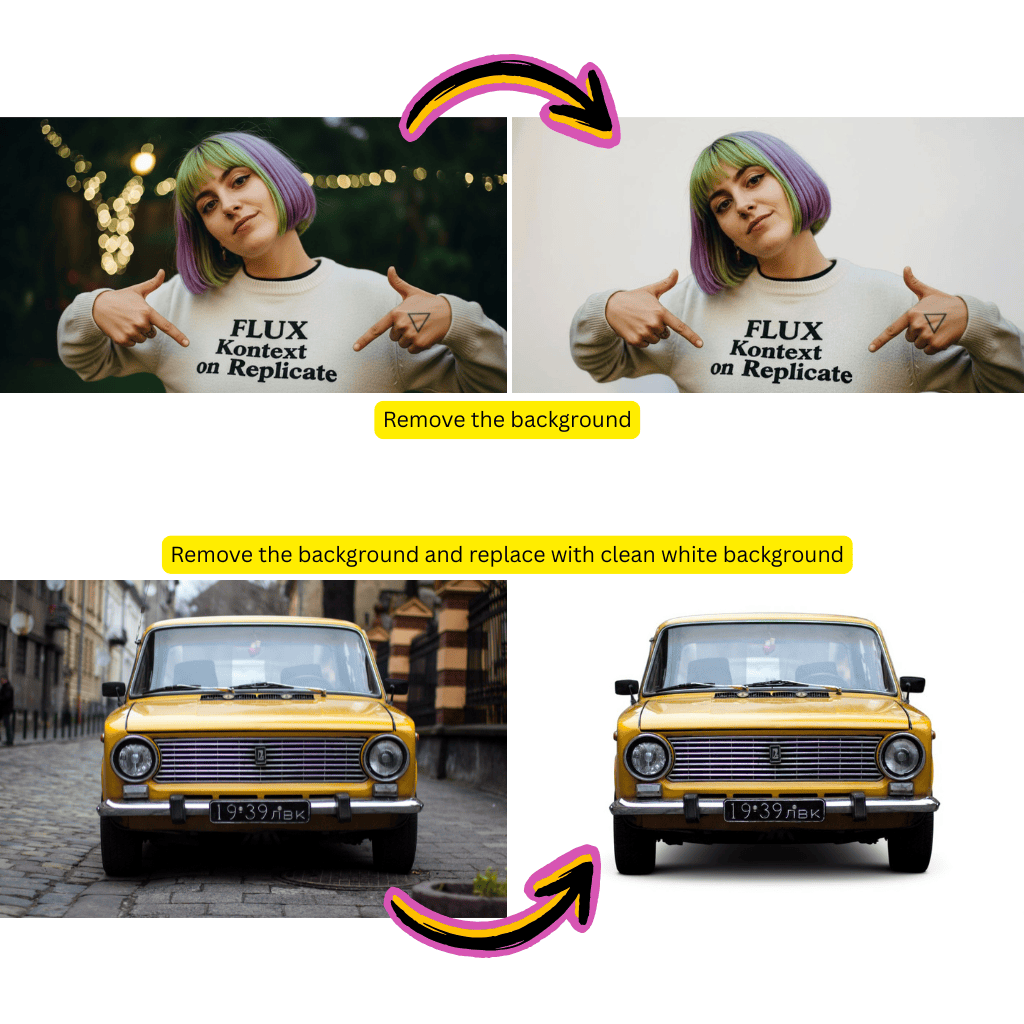
Use Kontext-powered editing to nudge poses, swap objects or clean artifacts without leaving the browser. Keep revisions fast and centralized.
API Integration
Developers can plug the Flux AI generator into websites, tools or backends through a simple API, automating large volumes of on-brand visuals.
Creators Choose Flux AI for Daily Image Work
Designers, marketers and developers rely on the Flux image generator for quick drafts, polished campaigns and experiment-friendly workflows.
Global Flux Users
1M+
Active Users
Daily Flux Images
500K+
Generated Daily
User Satisfaction
96%
Positive Ratings
What Creators Say About Flux AI Image Generator
Discover how teams and solo creators compare Flux AI to Nano Banana, Fal AI, ComfyUI and other image generator AI tools.
David
Graphic Designer
For client mockups I used to rely on local ComfyUI graphs. Now I start in the Flux AI Image Generator, get several polished options in minutes and only refine the final pick.
Rachel
Content Creator
I mix image posts and short video clips from the same prompts. Flux Lora styles keep my channel aesthetic consistent while I experiment with new ideas.
Marcus
Independent Developer
I switched from generic Gemini AI image endpoints to the Flux API. The prompts translate more reliably and the docs made integration fast.
Sofia
Marketing Director
Nano Banana was fine for early tests, but Flux Pro gives us lifelike product and lifestyle shots that are good enough for campaigns.
James
E-commerce Store Owner
We now generate fresh product angles and seasonal scenes without scheduling a studio. The Flux AI generator paid for itself in weeks.
Anna
Social Media Manager
Kontext keeps my recurring characters on-model across posts. I can jump between anime, semi-realistic and chibi while still feeling like the same persona.
FAQ: Flux AI Image Generator, Flux Models and Lora Styles
Find detailed answers about how Flux AI works, what the free plan includes, and how Flux Dev, Pro, Kontext, Lora and video tools fit into your workflow.
What is Flux 2 AI Image Generator?
Flux 2 AI Image Generator is a visual creation platform based on modern Flux model research by Black Forest Labs. You type a short description, optionally add reference images, and the system produces detailed visuals that match your brief. Under the hood, it combines text understanding, image synthesis and refinement into one pipeline, so you can move from idea to finished artwork without learning complex software. 【External Link: authoritative source about Black Forest Labs / Flux models】
Is Flux AI free to use?
Yes. Flux AI free access lets you explore the core generator without a big budget. The free tier focuses on Flux Dev style models so you can test prompts, build moodboards and validate ideas. When you are ready for production work, paid plans unlock Flux Pro, higher resolutions, priority queues, commercial rights and API usage. 【Internal Link: to pricing page】
How does Flux 2 compare to Google AI and Gemini AI?
Google AI and Gemini AI are designed to handle many tasks such as chat, search and code. Flux 2 focuses narrowly on images and short video, which means more control over style, lighting and composition. For visual-first teams, this focus usually leads to sharper details, more stable characters and fewer random changes between generations, especially when you combine Flux Kontext and Lora presets.
What are Flux Lora models and how do they work?
Flux Lora models are lightweight adapters trained on specific styles, characters or themes. Instead of retraining the full Flux AI model, LoRA (Low-Rank Adaptation) adds a small layer that nudges outputs towards a desired look. The result is fast switching between anime, cinematic or product branding while keeping prompts, performance and pricing predictable. Many creators treat Lora as reusable style packs that plug into the same base generator.
Can I generate Flux AI video content?
Yes. With Flux AI video tools you can turn a single frame into a short clip, or go directly from text to motion. The system keeps the main subject stable while adding camera movement, small gestures or environmental motion. This makes it ideal for social posts, explainers and quick concept previews without opening traditional editing suites. 【Internal Link: to text-to-video AI page】
How does this compare to ComfyUI Flux?
ComfyUI Flux and similar node-based tools give power users deep control but demand a strong machine and time to manage graphs. Flux 2 Online delivers a curated version of the same model family in a hosted environment. You get tuned defaults, guardrails and presets, so most users never have to think about GPU drivers or workflow nodes at all. Advanced teams can still combine both approaches: sketch ideas in the browser, then move select prompts into comfyui flux 2 pipelines for custom experiments.
What is the difference between Flux 2 Dev and Flux Pro?
Flux 2 Dev is optimized for speed and iteration. It is ideal for thumbnails, rough concepts and testing many prompts. Flux Pro spends a little more time on each render to deliver higher fidelity, better edges and more reliable text. Teams often ideate in Dev, shortlist a few options, then rerun only the best prompts in Pro for final delivery.
Is Flux image generator better than Nano Banana AI?
Nano Banana AI helped many users try AI art for the first time. Flux AI goes further for power users who need consistent characters, commercial usage and strong video options. With Kontext, Lora libraries and production-focused Pro models, it is easier to build brand-safe campaigns, product catalogs or character-based worlds that stay visually coherent from one asset to the next.
What is Flux Kontext AI technology?
Flux Kontext is a context-aware layer that tracks recurring elements across runs. When you design a mascot, cast or product line, Kontext helps keep faces, outfits and logos stable in different poses and scenes. This directly addresses one of the biggest complaints about generic image generator AI tools, where characters often drift or reset in every new frame.
Can I use Flux AI generator for commercial projects?
Yes. Paid tiers are built for agencies, studios, indie developers and in-house marketing teams. Once you are on an eligible plan you can use Flux AI outputs in ads, product pages, pitch decks, client work and more, as long as you respect our content policies and the terms of service. 【Internal Link: to terms of service page】
How does Fal AI relate to this platform?
Fal AI focuses on serving models as infrastructure. Some tools use Fal to host image or video backends. Flux 2 Online is a full creator-facing surface: prompt editor, gallery, history, team features and more. You do not have to manage low-level hosting or scaling decisions – you use the generator as a finished product.
What image formats and resolutions does Flux 2 support?
Flux 2 supports square, vertical and horizontal aspect ratios so you can prepare feeds, stories, banners or thumbnails. Typical resolutions range around HD and above, while Pro and higher tiers can reach very large sizes suitable for print or hero assets. Exports use familiar formats like PNG and JPEG so files drop easily into design tools or CMS platforms.
Can I upload reference images for generation?
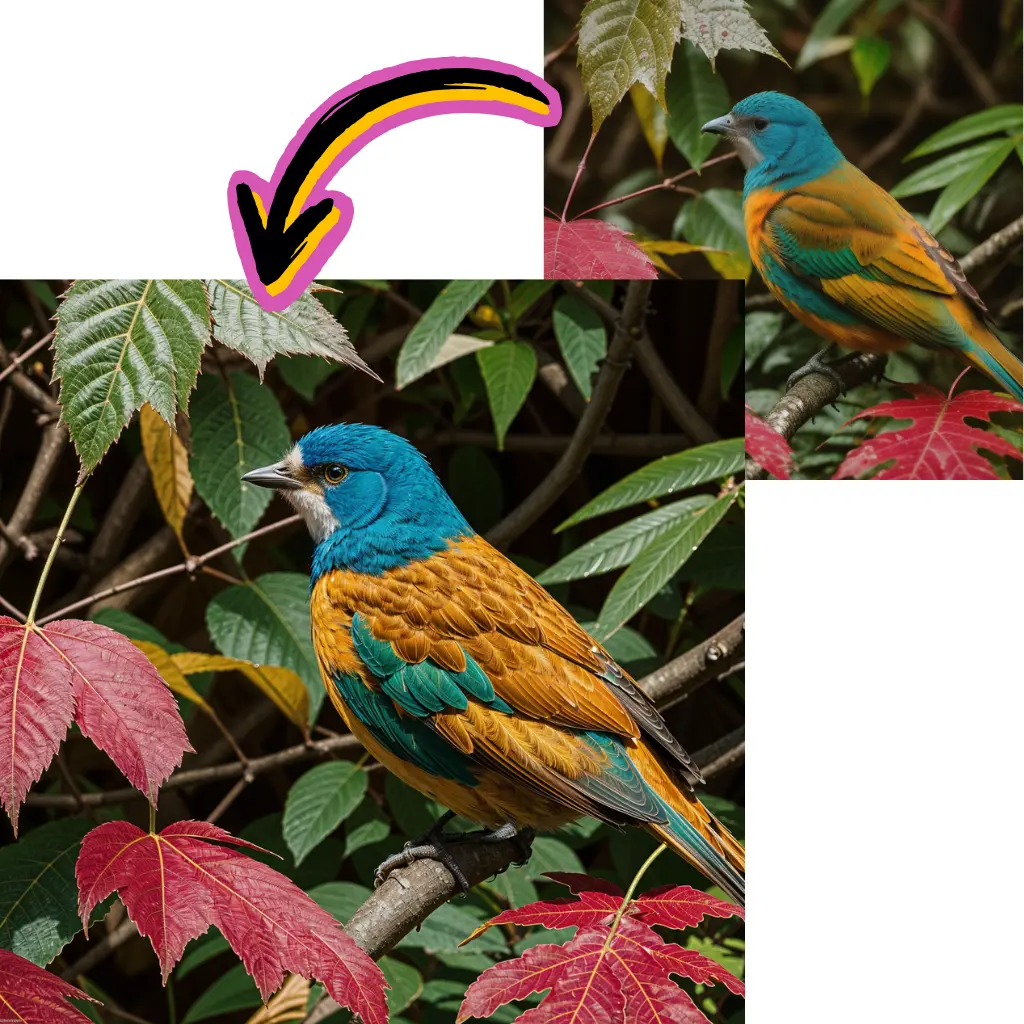
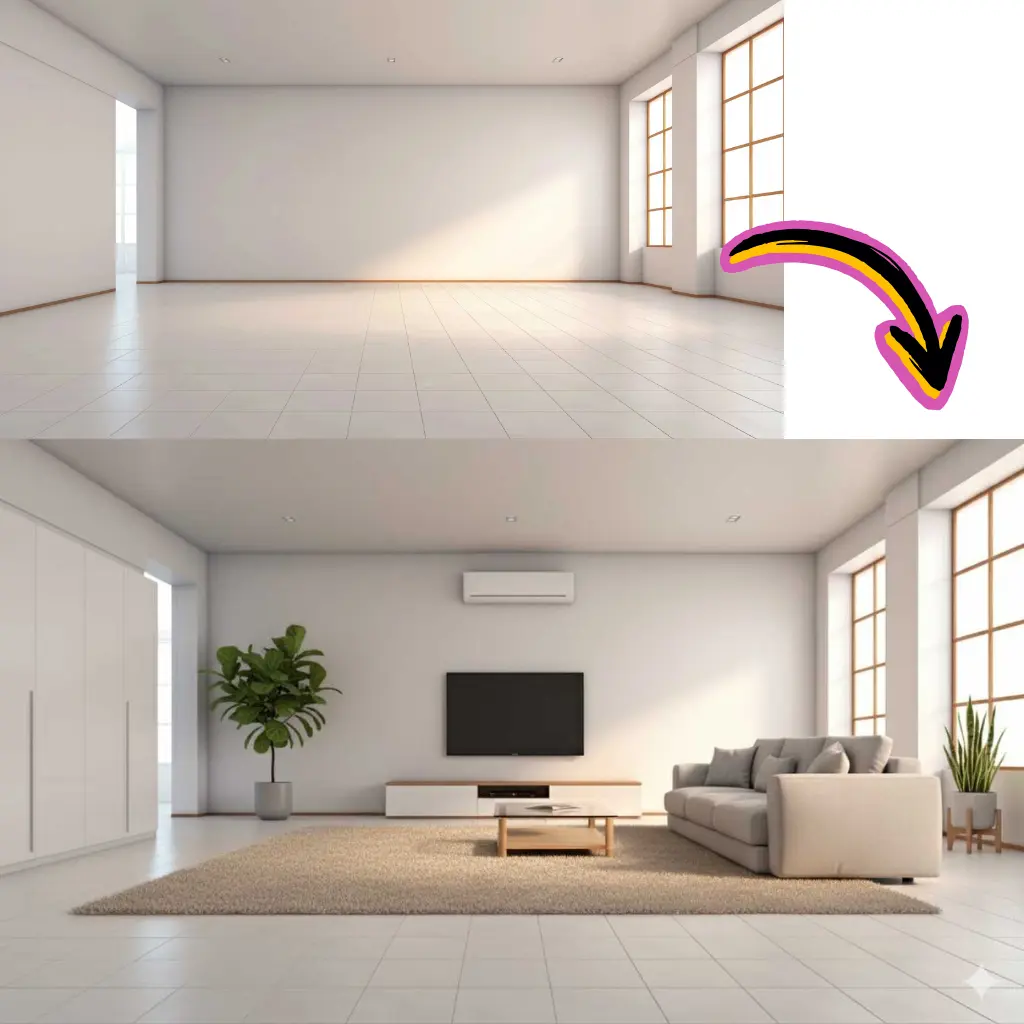
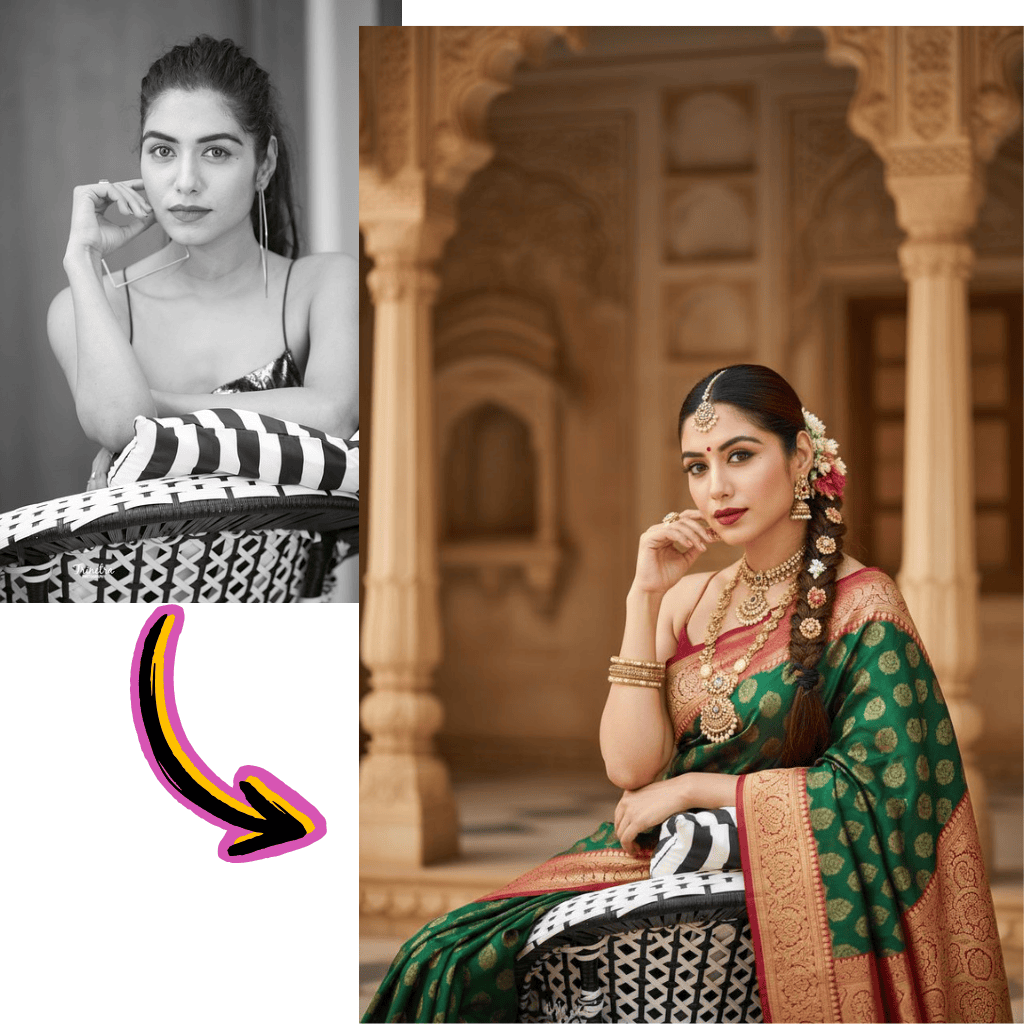
Yes. With image-to-image and control options you can upload sketches, product photos or inspiration shots, then let the Flux image model re-interpret them. Many users start from rough 3D renders or phone photos and end with polished, stylized outputs that still respect the original layout and subject. 【Internal Link: to image-to-image AI tool page】
Are there content restrictions with Flux AI free?
All tiers, including Flux AI free, apply safety filters and use a clear content policy. The system blocks obvious abuse, dangerous requests and certain sensitive topics. Commercial users benefit from the same guardrails, which makes it easier to adopt Flux AI inside companies that care about compliance and brand safety.
How fast is Flux 2 generation compared to other tools?
Speed varies by queue and prompt complexity, but the Dev tier is tuned for quick results, often within seconds. Pro takes a little longer to refine lighting and texture. In practice, workflow speed is competitive with popular tools like Midjourney or other hosted image generator AI platforms, with the benefit of being able to batch and iterate from a single browser tab.
Do you offer API access for developers?
Yes. A documented REST API gives developers access to Dev, Pro and Kontext variants, plus Lora and batch endpoints. You can build generators into apps, games, marketing pipelines or internal tools, and use webhooks or queues to manage large jobs. 【External Link: API documentation】
What makes Flux better than traditional image editors?
Classic editors like Photoshop are powerful but demand years of practice. Flux AI lets non-designers describe concepts in plain language, then produces layouts, lighting and materials automatically. Skilled artists still benefit by using Flux for ideation, then finishing details in their usual tools. The combination often shortens projects from days to hours.
Can I fine-tune or train custom Flux models?
Business and enterprise plans can unlock custom Lora training. You provide reference images for a style, product line or character; the system then creates an adapter that you can re-use across prompts and projects. This is how teams keep a unique look across campaigns or maintain story continuity without rebuilding brand guides from scratch.
How do I get the best results from Flux image generator?
Start by writing clear prompts that mention subject, setting, lighting and mood. Add a style hint or Lora preset instead of stacking too many adjectives. Use Dev to explore ideas, then re-run winners in Flux Pro or Kontext. Reviewing examples from the community and studying prompt structures from other flux ai image generator users is one of the fastest ways to improve.
Is my data secure when using Flux AI?
We use encrypted connections, access controls and privacy-focused storage to protect prompts and outputs. Personal workspaces keep your projects separate from public galleries, and eligible plans can enable stricter privacy modes. Check the privacy policy for full details. 【Internal Link: to privacy policy page】
Try Flux AI Image Generator Free in Your Browser
Open Flux 2 Online, enter a prompt and see how quickly you can move from idea to finished image or short video.